2026-10-18 · 4 min · Ceytrex Labs
Get an HTTP request the moment someone clicks your link
Business teams can register a URL and receive a signed POST on every click - no polling, no dashboard refresh. One automatic retry if your endpoint is briefly down.
- Webhooks
- Automation
- Business
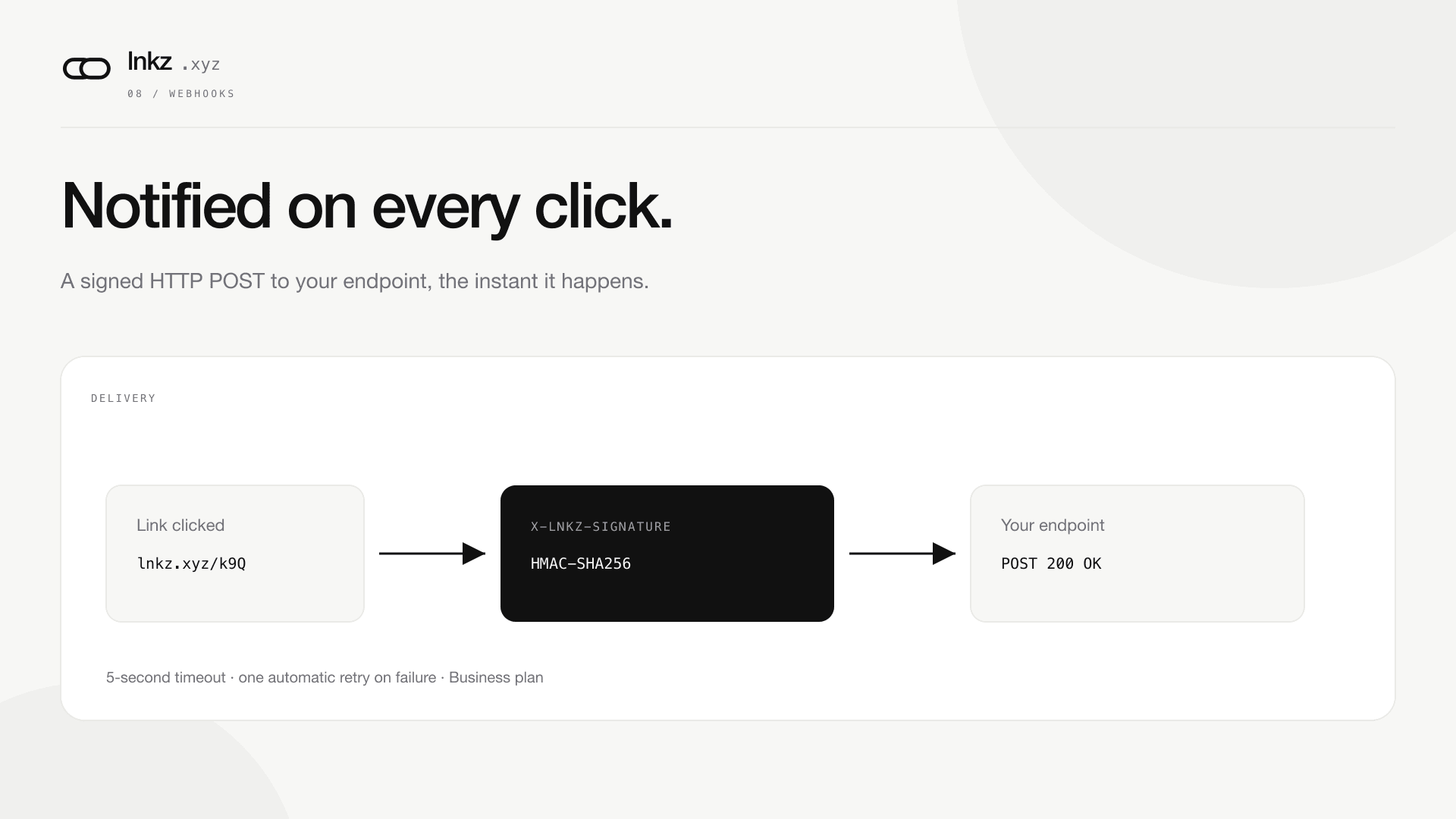
Most teams find out a link got clicked by looking: someone opens the dashboard, checks the count, closes the tab. Business teams can skip that step. Register a URL once, and lnkz.xyz sends it a signed HTTP request the instant one of the team's links is clicked.
What gets sent
One event type: link.clicked. The body is JSON - the short code, the destination URL, the visitor's country, the referrer, and a timestamp. There's no configuration for filtering by tag or domain, and no plan to add one; this is a notification, not an integration platform.
- Delivery happens after the redirect has already been sent, so a slow or unreachable webhook endpoint never adds latency to the click itself.
- Every request is signed with HMAC-SHA256 over the raw body, sent as the X-Lnkz-Signature header - verify it before trusting the payload.
- A 5-second timeout applies to every delivery attempt, including the retry.
If your endpoint is down
A non-2xx response or a timeout counts as a failed delivery, not a dropped one. An hourly sweep retries it exactly once. If the retry also fails, that event stops there - this is a best-effort notification, not a durable queue with unlimited retries, so don't build something that can't tolerate an occasional missed event.
Setting one up
From the Webhooks page, paste an https:// URL. The signing secret is shown exactly once, at creation - write it down immediately, because it's never displayed again after that. You can disable a webhook any time without deleting it; a disabled webhook is skipped by both the initial send and the retry sweep.
Continue reading
2026-08-18 · 4 min
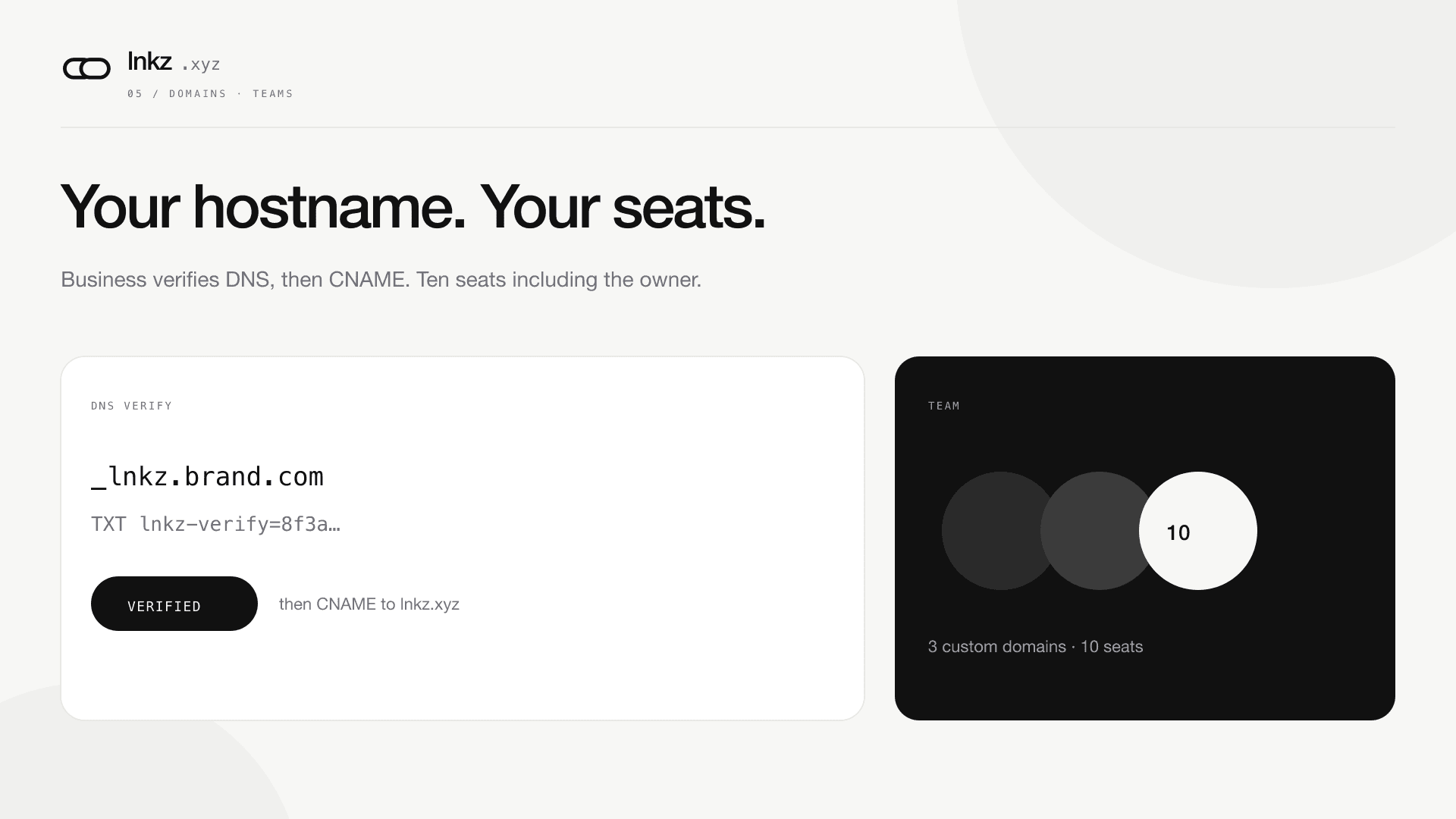
Custom domains and a 10-seat team
Business verifies hostnames with a TXT record, invites people by email, and shares links under one workspace.
2026-10-18 · 3 min
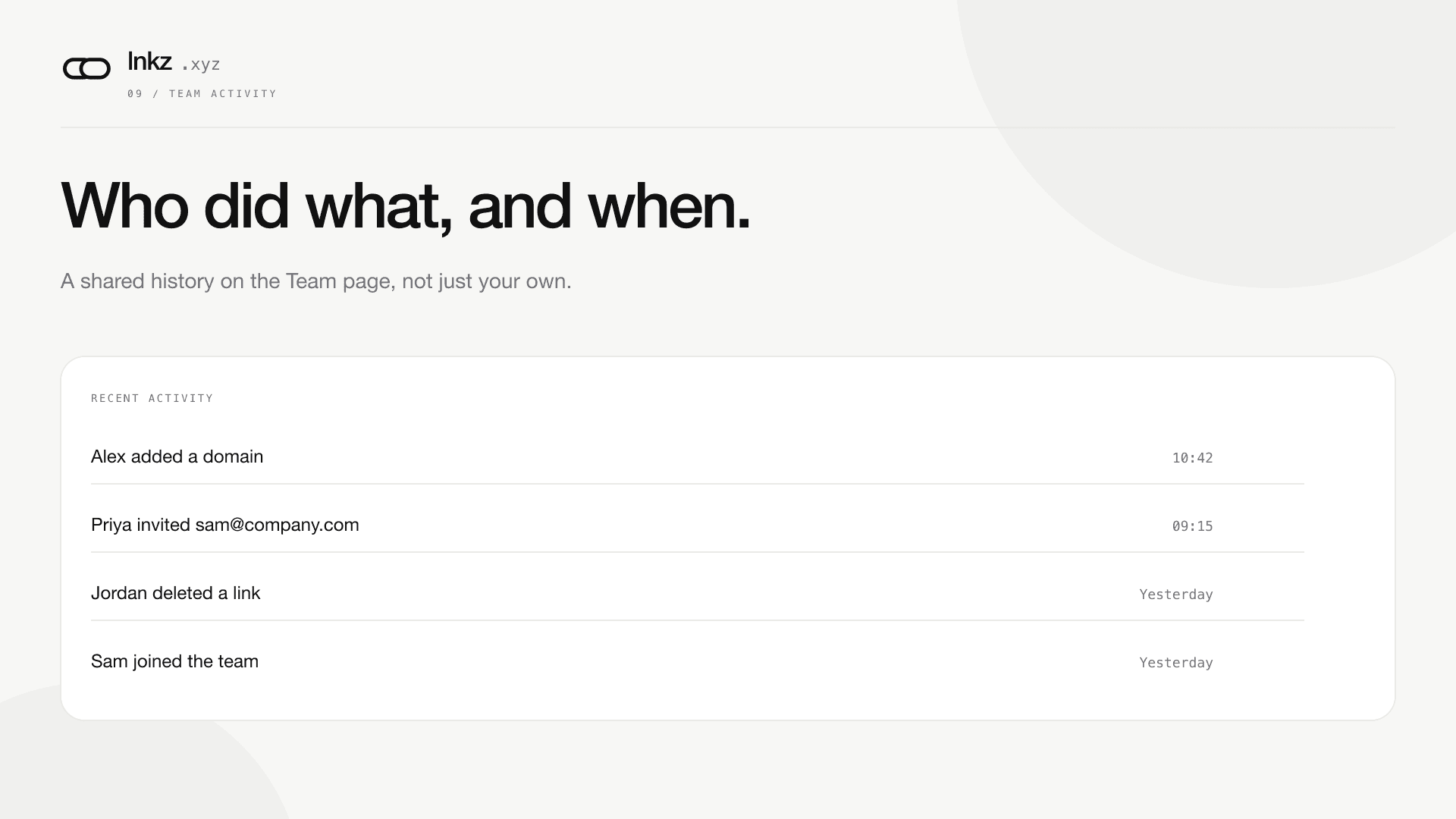
Who added that domain? Who deleted that link? Now you can check.
The Team page now logs every domain, invite, and link action with a name and a timestamp - a shared history that survives even if the person who did it later leaves.
Ready to shorten? Paste a URL, read the API guide, or compare plans.